
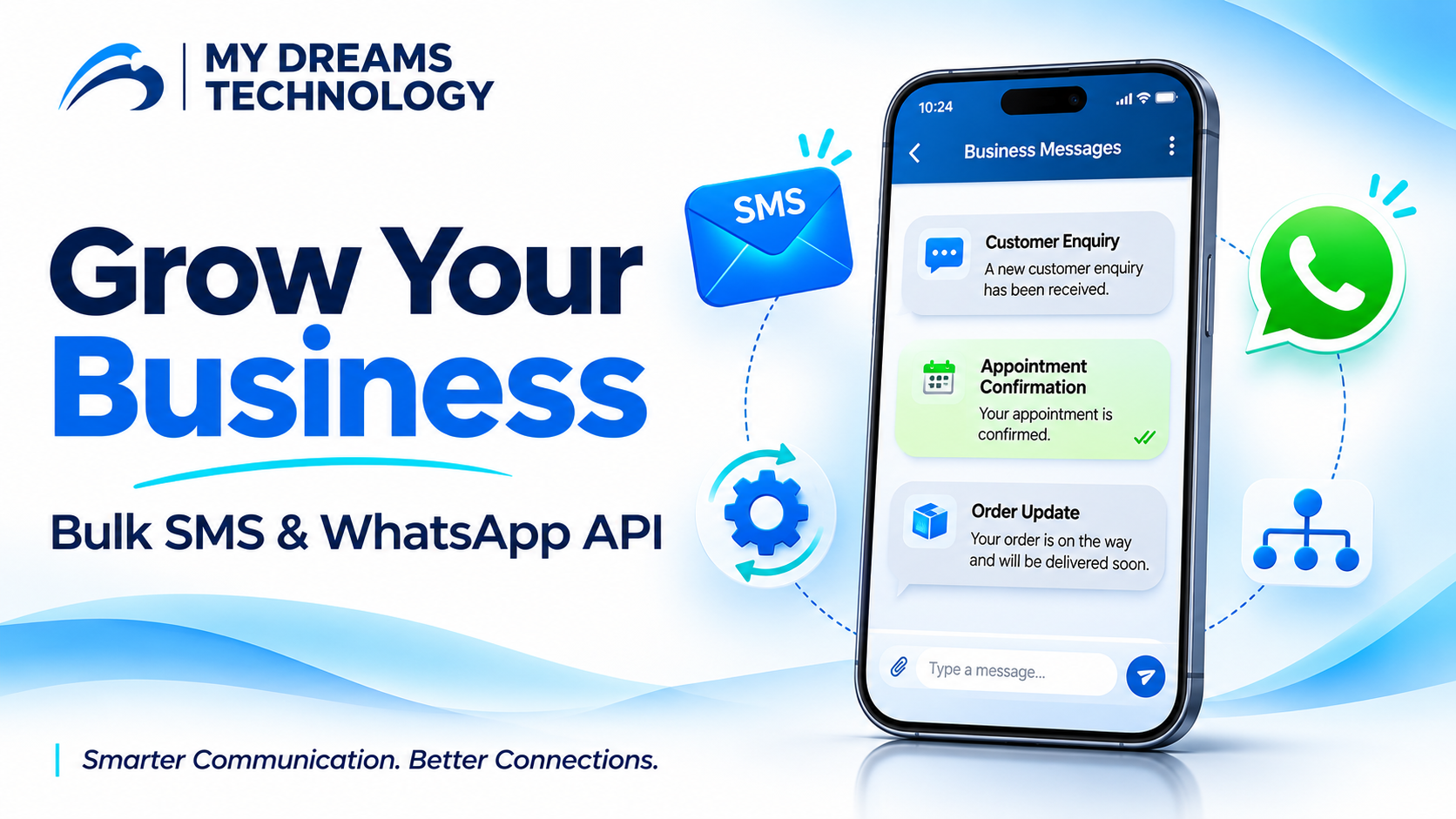
How Bulk SMS and WhatsApp Business API Help Your Business Grow
Every customer enquiry is an opportunity. But when your team handles calls, messages, follow-ups and order updates manually, important conversations can get delayed.
A clear communication strategy helps your business respond consistently and keep customers informed. Bulk SMS and WhatsApp Business API can support this strategy—from sending a simple reminder to managing an ongoing customer conversation.
Here is how businesses can use these channels effectively.
Reach Customers with Purposeful SMS Updates
Bulk SMS allows businesses to send text messages to multiple customers through a messaging platform or an integrated application.
It is useful when you need to communicate a short, clear update without requiring customers to install an additional messaging app.
Common business uses include:
- Appointment confirmations and reminders.
- Order and delivery updates.
- Payment due reminders.
- Service notifications.
- Relevant promotional offers sent to eligible customers.
For example, a service centre can send a reminder when a customer’s vehicle is ready for collection. A school can notify parents about an upcoming meeting.
Keep each message focused on one action. Identify your business clearly and include only the information the customer needs.
Turn Enquiries into Conversations with WhatsApp Business API
Some customer needs require more than a short notification. A buyer may want to view a product, ask a question or speak with your sales team before making a decision.
WhatsApp Business API can help businesses organise these interactions through a connected business messaging platform.
Depending on the platform and setup, businesses can use features such as:
- Automated welcome messages and enquiry flows.
- Shared inbox access for customer support teams.
- Images, documents and interactive message options.
- Conversation assignment to relevant team members.
- Integration with business applications.
For example, a property developer can share a brochure with an interested customer and route the enquiry to a sales representative for further discussion.
Use Each Channel for a Clear Purpose
The right channel depends on the message and the customer’s preferences.
SMS can be useful for brief notifications. WhatsApp can support conversations that need more context, media or customer replies.
Consider an appointment booking journey:
- A customer enquires through WhatsApp.
- Your team or an automated flow collects the booking details.
- The customer receives a booking confirmation through their preferred channel.
- A reminder is sent before the appointment.
- Your team follows up when further assistance is needed.
Plan these steps carefully so customers receive useful updates without unnecessary repetition.
Connect Messaging to Your Existing Applications
Manually sending every notification can become difficult as your business grows.
API integration allows supported applications to trigger messages when a relevant event occurs. For instance, a billing system could initiate a payment confirmation, or a booking application could trigger an appointment reminder.
Start with one repetitive task. Define when the message should be sent, what information it should contain and who should handle customer replies.
A simple, well-planned workflow is often more useful than a complicated automation that customers find difficult to navigate.
Build Trust Through Relevant Communication
Good business messaging begins with customer expectations.
Contact customers who have agreed to receive the relevant communication, respect their preferences and provide a clear way to stop promotional messages. Follow the applicable messaging requirements for each channel.
Avoid sending the same offer repeatedly. Segment your audience by interest or service needs so your messages remain relevant.
Review delivery reports alongside replies, enquiries and completed actions. These results can help you improve message timing and content.